
How to Supercharge Your Slow PC or Laptop: SSD & RAM Upgrade Guide for 2026
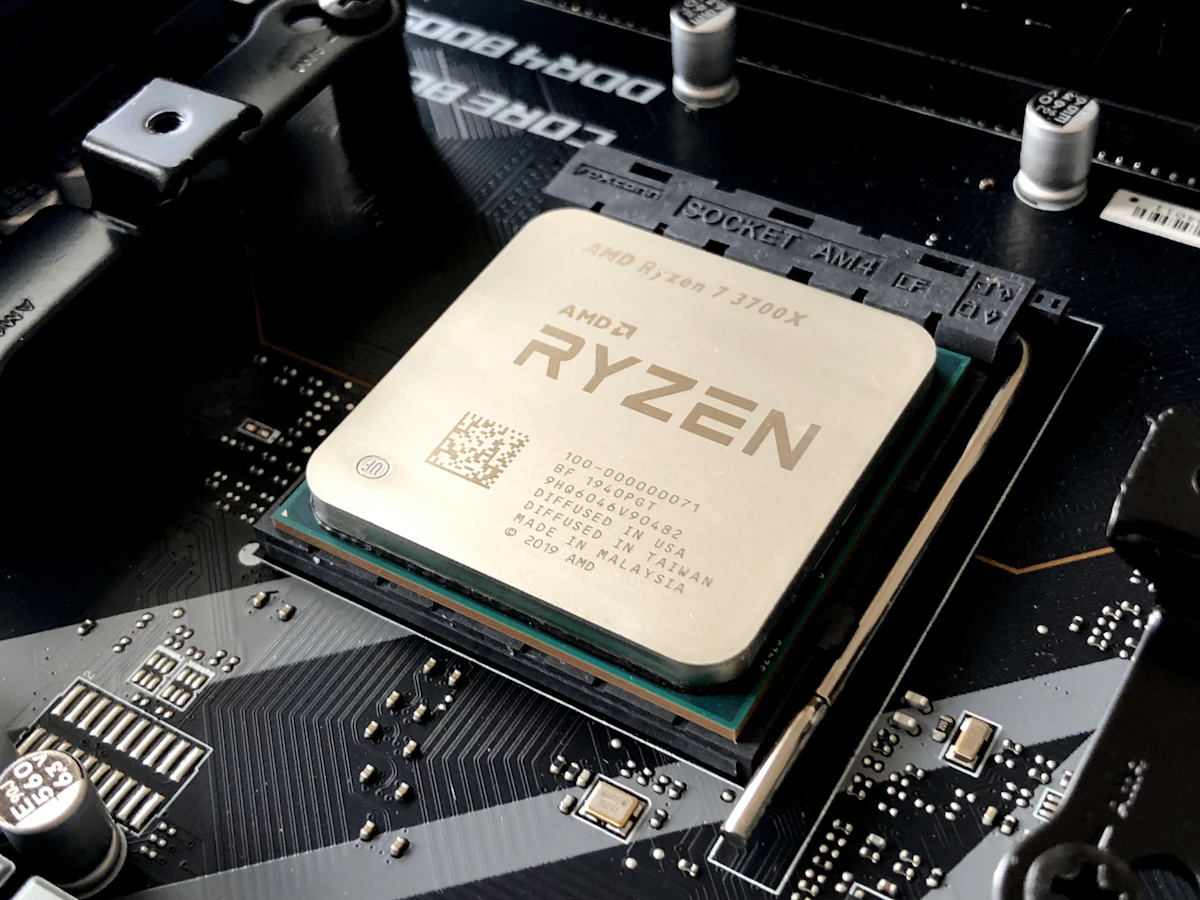
Is your laptop taking 5 minutes to boot or freezing on Chrome? Learn how a fast NVMe SSD and RAM upgrade in Muscat can breathe new life into your PC on a budget.
How to Supercharge Your Slow PC or Laptop: SSD & RAM Upgrade Guide for 2026
Is your Windows laptop or desktop PC taking several minutes just to boot up? Does opening a dozen Google Chrome tabs cause your computer to freeze and the fans to spin like a jet engine?
Before you spend 250 to 500 OMR on a brand-new computer, you should know that over 80% of sluggish laptops and PCs can be transformed into blazing-fast machines with a simple SSD and RAM upgrade costing between 25 and 65 OMR.
In this practical 2026 upgrade guide, the repair and hardware technicians at Future IT explain the mechanics of memory and storage bottlenecks, how to verify compatibility, and why this simple service delivers the best return on investment for students, professionals, and gamers across Oman.
---
#1. The Bottlenecks: Mechanical HDDs vs. Lightning-Fast NVMe SSDs
If your computer still boots from an old mechanical spinning Hard Disk Drive (HDD), your CPU is spending 90% of its operational time idling while waiting for the mechanical drive head to locate data sectors on magnetic platters.
##Speed Comparison: HDD vs. SATA SSD vs. NVMe Gen4 SSD
| Storage Technology | Read Speed (MB/s) | Write Speed (MB/s) | Windows 11 Boot Time | 50GB File Transfer |
|---|---|---|---|---|
| Traditional 2.5" HDD (5400 RPM) | ~80 u2013 120 MB/s | ~70 u2013 100 MB/s | 90 to 240 seconds | ~9 to 12 minutes |
| 2.5" SATA III SSD (Crucial BX500) | ~540 MB/s | ~500 MB/s | 12 to 18 seconds | ~1.8 minutes |
| PCIe 3.0 NVMe M.2 SSD (Kingston NV2) | ~3,500 MB/s | ~2,800 MB/s | 8 to 11 seconds | ~22 seconds |
| PCIe 4.0 NVMe M.2 SSD (Samsung 990 PRO) | ~7,450 MB/s | ~6,900 MB/s | 5 to 8 seconds | ~8 seconds |
Upgrading to an NVMe SSD delivers a 60x increase in sequential read throughput and over 100x faster random 4K read operations, completely eliminating system lag and application freezing.
---
#2. RAM Upgrades: How Much Memory Do You Really Need in 2026?
Random Access Memory (RAM) serves as your computer's high-speed short-term workspace. When your RAM fills up, Windows is forced to use the "Virtual Memory Pagefile" on your storage drive, resulting in sluggish response times.
##Memory Capacity Guide:
- 8GB RAM (The Bare Minimum): Adequate for basic web browsing, checking emails, and light Microsoft Word/Excel work. Stutters when running more than 10 browser tabs alongside background antivirus apps.
- 16GB RAM (The Sweet Spot Standard): Highly recommended for 95% of users in Oman. Handles 30+ browser tabs, Zoom conference calls, Photoshop graphic design, and modern esports gaming smoothly.
- 32GB RAM (Enthusiasts & Creators): Essential for AAA 1440p/4K gaming, 4K video editing in Premiere Pro / DaVinci Resolve, AutoDesk AutoCAD, and multi-track music production.
- 64GB+ RAM (Workstations & Data Science): Tailored for 3D rendering in Blender / Maya, local LLM artificial intelligence models, and enterprise virtualization.
---
#3. Top SSD & RAM Components Available in Oman (OMR)
##High-Performance Solid State Drives (SSDs):
- Samsung 990 PRO Gen4 NVMe M.2: The undisputed king of endurance, reliability, and speed with nickel-coated thermal heat spreader.
- 1TB Price: 36 u2013 42 OMR | 2TB Price: 64 u2013 72 OMR
- Crucial P3 Plus / Kingston NV3 Gen4 M.2: Exceptional value-for-money storage for everyday laptops and budget gaming rigs.
- 1TB Price: 24 u2013 29 OMR | 2TB Price: 46 u2013 52 OMR
- Crucial BX500 2.5" SATA SSD: The ultimate revival drive for older laptops and desktops lacking M.2 slots.
- 500GB Price: 14 u2013 18 OMR | 1TB Price: 22 u2013 26 OMR
##Laptop & Desktop Memory Modules (RAM):
- Crucial / Kingston SODIMM Laptop RAM (DDR4 3200MHz):
- 8GB Stick: 8 u2013 11 OMR | 16GB Stick: 15 u2013 19 OMR | 32GB Kit (2x16GB): 28 u2013 35 OMR
- Corsair Vengeance / Crucial DDR5 SODIMM Laptop RAM (5600MHz):
- 16GB Stick: 19 u2013 24 OMR | 32GB Kit (2x16GB): 38 u2013 46 OMR
- Corsair Vengeance RGB DDR5 Desktop RAM (6000MHz CL30):
- 32GB Kit (2x16GB): 44 u2013 52 OMR
---
#4. The Painless Upgrade Process: How Drive Cloning Works
The biggest fear users have when considering an upgrade is losing their important personal documents, family photos, school assignments, or having to re-purchase their Windows license.
##The 4-Step Professional Cloning Protocol at Future IT:
- Full Integrity Scan: We test your existing drive for bad sectors and file system errors.
- High-Speed Bit-for-Bit Cloning: Using specialized hardware clone docks, we mirror your entire existing operating system, installed applications, personal files, and saved passwords directly onto the new ultra-fast SSD.
- Partition Alignment & Optimization: We align the SSD sectors to ensure optimal performance and extend your drive's lifespan.
- Thermal Compound Refresh & Dust Cleaning: While your laptop chassis is open, our technicians clean all dust from cooling fans and apply fresh high-performance thermal paste to your CPU and GPU for optimal cooling.
When you power on your laptop after the upgrade, everything is exactly where you left itu2014just 10 times faster.
---
#5. Upgrade vs. Buy New: The Smart Financial Choice
| Metric | Upgrading Existing Laptop | Purchasing New Entry-Level Laptop |
|---|---|---|
| Typical Cost | 25 u2013 55 OMR | 180 u2013 320 OMR |
| Speed Improvement | 500% to 1000% faster | ~150% to 200% faster |
| Data Migration Hassle | Zero (Exact clone transfer) | Manual backup & program reinstallation |
| Turnaround Time | Same-day (1 to 2 hours) | Setup & configuration required |
---
#6. Get Your Free Upgrade Assessment at Future IT Muscat
Don't let a slow computer hold back your productivity, studies, or gaming enjoyment. Bring your device to our service center in Ruwi or contact our support team today:
- Free Diagnostic & Compatibility Check.
- Genuine Kingston, Crucial, Samsung, and Corsair Parts with 3 to 5-Year Warranty.
- 1-Hour Express Upgrade & Cloning Service in Muscat.
Explore our storage and memory catalog at Future IT PC Components or chat with our technician on WhatsApp!
---
#5. Real-World Case Studies: Oman Laptop Revivals
To illustrate the transformative power of these upgrades, consider two recent real-world examples handled at our Future IT Muscat service center:
##Case Study 1: The University Studentu2019s Sluggish HP Pavilion
- Original Condition: 2019 HP 15-inch laptop with Intel Core i5-8250U, 4GB DDR4 RAM, and 1TB mechanical HDD. Boot time was 3 minutes 40 seconds. Opening Microsoft Word and three Chrome tabs took over 45 seconds. The student was ready to spend 220 OMR on a new laptop.
- The Upgrade: Installed a Crucial 500GB Gen4 NVMe SSD (18 OMR) + added an 8GB DDR4 RAM stick to reach 12GB Dual-Channel (11 OMR). Performed full Windows 11 clean install and thermal repasting. Total cost: 29 OMR.
- Result: Boot time dropped to 7.2 seconds. Applications open instantly. The student saved nearly 200 OMR and continues to use the laptop flawlessly for university coursework.
##Case Study 2: The Architect's AutoCAD Workstation
- Original Condition: Dell OptiPlex desktop tower with Intel Core i7-10700 and 16GB RAM. Large 3D architectural floorplans were causing "Out of Memory" crashes in AutoCAD and Lumion.
- The Upgrade: Upgraded RAM from 16GB to 64GB DDR4 (3200MHz) and added a Samsung 990 PRO 2TB NVMe scratch drive. Total cost: 115 OMR.
- Result: Render export times cut by 65%, zero software crashes during complex 3D view manipulations.
---
#6. DIY vs. Professional Installation: What to Watch Out For
While upgrading RAM and storage is straightforward, improper installation can cause permanent motherboard damage:
- Electrostatic Discharge (ESD): In dry air-conditioned rooms, static electricity stored in your body can fry delicate NAND flash chips. Always ground yourself or use an anti-static wrist strap.
- Battery Disconnection First: Always unplug the internal laptop battery connector from the motherboard before touching RAM or SSD slots to prevent short-circuiting live standby power rails.
- Proper NVMe Thermal Pads: High-speed Gen4 SSDs (like Samsung 990 Pro or Kingston KC3000) run hot under continuous writes. Always ensure proper thermal pad contact with laptop copper shields or motherboard M.2 aluminum heatsinks.
---
#7. Maintenance After the Upgrade: Keeping Windows 11 at Peak Speed
Once your PC or laptop has been upgraded with a high-speed SSD and additional RAM, follow these software hygiene best practices:
- Enable Windows TRIM: Open PowerShell as Administrator and run `fsutil behavior query DisableDeleteNotify`. If the result is `0`, TRIM is active, ensuring your SSD automatically garbage-collects deleted memory blocks to maintain maximum write speeds over years of use.
- Disable Unnecessary Startup Programs: Press `Ctrl + Shift + Esc` to open Task Manager, navigate to the "Startup apps" tab, and disable resource-heavy background launchers (like Spotify, Discord, or game launchers) from starting automatically on Windows boot.
- Maintain 15% Free SSD Capacity: Never fill your Solid State Drive to 100% capacity. Modern SSDs utilize dynamic SLC caching; leaving at least 15% to 20% of free storage allows the drive controller to perform wear-leveling and keep burst write speeds at maximum velocity.
Frequently Asked Questions
Common queries answered by our Muscat tech specialists
Need Expert Advice on Your Setup?
Speak directly with our Muscat PC hardware and networking engineers on WhatsApp for custom build quotes, compatibility checks, and official local warranty support.
Related Guides & Articles
More technology buying advice from our editorial team

Top Gaming Laptops in Oman (2026 Edition): ASUS ROG, Lenovo Legion, and MSI Compared
Looking for the best gaming laptop in Oman? We benchmark ASUS ROG Strix, Lenovo Legion Pro, and MSI Raider across thermals, FPS in GCC heat, and OMR value.
How to Build the Ultimate Custom Gaming PC in Oman: 2026 Parts & Thermal Guide
Planning your dream custom PC build in Muscat? Learn how to choose the right CPU, GPU, 360mm AIO liquid cooling, and airflow cases designed for Oman climate.

iPhone 16 Pro Max vs Samsung Galaxy S25 Ultra in Oman: The Definitive Flagship Showdown
Deciding between iPhone 16 Pro Max and Samsung S25 Ultra in Oman? We compare camera zoom, outdoor screen brightness, battery life, and official OMR prices.