
OLED vs Fast IPS Gaming Monitors in Oman: Which Display Should You Buy in 2026?

Wondering whether to buy a cutting-edge QD-OLED or a reliable Fast IPS gaming monitor in Muscat? We compare response times, HDR, burn-in protection, and OMR prices.
OLED vs Fast IPS Gaming Monitors in Oman: Which Display Should You Buy in 2026?
Your monitor is the visual window to your entire PC gaming experience. You can own the most powerful graphics card in the world, but if your display suffer from slow pixel response times, washed-out contrast ratios, or blurry motion ghosting, your games will never look or feel competitive.
In 2026, the monitor market in Oman has bifurcated into two dominant display technologies: Quantum Dot OLED (QD-OLED / WOLED) and Fast IPS (In-Plane Switching).
With prices ranging from 55 OMR for an entry-level 180Hz Fast IPS panel to over 450 OMR for a flagship 360Hz QD-OLED curved ultra-wide, making the right investment requires understanding pixel response dynamics, HDR color volumes, and room lighting conditions in Oman.
---
#1. Technological Architecture: How OLED and Fast IPS Differ
##OLED (Organic Light Emitting Diode / QD-OLED)
- Self-Emissive Pixels: Unlike traditional screens with a separate LED backlight, every individual pixel in an OLED panel produces its own light. When rendering black, the pixel turns completely off (0.000 nits), creating an infinite (u221e:1) true static contrast ratio.
- Instantaneous 0.03ms Response Time: OLED pixels change color states in 0.03 millisecondsu2014roughly 30 to 50 times faster than the fastest IPS panelsu2014resulting in completely ghosting-free motion clarity.
##Fast IPS (In-Plane Switching)
- High-Speed Liquid Crystals: Uses an energized LED backlight shining through ultra-responsive liquid crystal layers. Fast IPS panels have achieved 1ms GtG (Gray-to-Gray) response times while retaining excellent viewing angles and 100% sRGB color accuracy.
- Sustained Brightness Power: Capable of maintaining 400 to 500 nits of full-screen SDR brightness indefinitely without thermal dimming.
---
#2. Head-to-Head Comparison: The Key Battlegrounds
##1. Motion Clarity & Ghosting (Winner: OLED)
In fast-paced shooters like Valorant or Apex Legends, fast camera pans across high-contrast backgrounds cause trailing smearing on traditional monitors. On a 240Hz/360Hz OLED, motion remains as sharp as a still photograph due to the near-zero 0.03ms response time.
##2. High Dynamic Range (HDR) & Immersion (Winner: OLED)
True HDR is not just about high peak nits; it is about contrast delta. In cinematic titles like Cyberpunk 2077, Black Myth: Wukong, and Alan Wake 2, OLED panels render blinding neon lights directly adjacent to pitch-black shadows with zero backlight bleed or halo glow.
##3. Productivity & Static Office Work (Winner: Fast IPS)
If you spend 8 hours a day working on static Excel spreadsheets, coding in dark-mode VS Code, or editing text documents, Fast IPS is the safer choice. Standard subpixel layouts on Fast IPS render razor-sharp text clarity without subpixel color fringing, and there is zero anxiety regarding static UI burn-in.
##4. Room Lighting & Glare in Oman (Winner: Fast IPS / Matte WOLED)
Many Omani homes feature large windows and bright multi-bulb overhead chandeliers. Glossy QD-OLED panels can show magenta tinting under direct light, whereas Fast IPS panels with matte 3H anti-glare coatings diffuse harsh reflections effectively.
---
#3. Detailed Specification & OMR Price Comparison
| Feature / Metric | Entry Fast IPS | Sweet Spot Fast IPS | Flagship QD-OLED | Flagship 4K OLED |
|---|---|---|---|---|
| Typical Model | ASUS TUF VG249QL3A | MSI MAG 274QRF QD E2 | ASUS ROG Swift PG27AQDM | MSI MPG 321URX QD-OLED |
| Screen Size & Res | 24" FHD (1920x1080) | 27" QHD (2560x1440) | 27" QHD (2560x1440) | 32" 4K UHD (3840x2160) |
| Refresh Rate | 180Hz | 180Hz u2013 240Hz | 240Hz | 240Hz |
| Response Time (GtG) | 1.0 ms | 0.5 u2013 1.0 ms | 0.03 ms | 0.03 ms |
| Contrast Ratio | 1,000 : 1 | 1,200 : 1 | Infinite (1,500,000 : 1) | Infinite (1,500,000 : 1) |
| HDR Peak Brightness | 300 nits (HDR10) | 400 nits (DisplayHDR 400) | 1,000 nits (True Black 400) | 1,000 nits (True Black 400) |
| Risk of Burn-In | 0% (None) | 0% (None) | Negligible (3-Yr Warranty) | Negligible (3-Yr Warranty) |
| Best For | Esports on a Budget | Competitive 1440p Gaming | Pro Esports & HDR Movies | Ultimate 4K Immersion |
| Price in Oman (OMR) | 54 u2013 68 OMR | 95 u2013 135 OMR | 265 u2013 310 OMR | 390 u2013 460 OMR |
---
#4. How to Choose the Right Display for Your Setup
##Choose a Fast IPS Gaming Monitor if:
- Your budget is between 50 and 150 OMR.
- You use the monitor heavily for daily school/office work, software development, or long productivity sessions.
- Your gaming room has uncontrolled ambient sunlight with bright reflections.
##Choose an OLED Gaming Monitor if:
- You have a budget of 250+ OMR and an RTX 4070 or higher GPU.
- You want the absolute highest motion clarity and lowest input latency in competitive esports.
- You play visually rich AAA story titles and watch 4K HDR movies in a dimly lit or light-controlled room.
---
#5. Experience High-Refresh Gaming at Future IT Oman
Ready to elevate your visual experience? Visit Future IT in Muscat:
- Live Display Showroom in Ruwi: Compare 180Hz Fast IPS vs 240Hz OLED panels in person.
- Official Agency Warranty: Full manufacturer warranties with certified dead-pixel and burn-in protection.
- Same-Day Muscat Dispatch & Secure Courier Delivery Across All Oman Governorates.
Explore our complete monitor lineup at Future IT Monitors & Displays!
---
#5. Understanding Resolution vs. Screen Size in Oman Gaming Rooms
Choosing the right screen size and resolution is critical for optimal pixel density and viewing distance:
##1. 24.5-inch 1080p (FHD - 1920x1080)
- Pixel Density: ~90 PPI (Pixels Per Inch).
- Viewing Distance: 50cm to 65cm.
- Ideal Use Case: Hardcore competitive esports (Valorant, CS2, Overwatch). The compact screen size allows you to see the entire radar and HUD without moving your eyes or turning your neck.
##2. 27-inch 1440p (QHD - 2560x1440) - The Industry Sweet Spot
- Pixel Density: ~109 PPI.
- Viewing Distance: 60cm to 80cm.
- Ideal Use Case: The perfect balance of competitive sharpness and AAA graphical fidelity. Text is razor-sharp, and graphics cards like the RTX 4070 can drive 180+ FPS effortlessly.
##3. 32-inch & 34-inch Ultrawide 4K (3840x2160 / 3440x1440)
- Pixel Density: ~140 PPI (Retina-grade clarity).
- Viewing Distance: 75cm to 100cm.
- Ideal Use Case: Immersive flight simulators, racing sims (Assetto Corsa, Forza Horizon), open-world RPGs, and professional timeline video editing.
---
#6. Advanced Display Features to Check Before Buying
- VESA DisplayHDR Certification: Beware of monitors marketing generic "HDR" with only 250 nits peak brightness. True HDR requires at least VESA DisplayHDR 600 with local dimming zones, or VESA DisplayHDR True Black 400 for self-emissive OLED panels.
- Variable Refresh Rate (G-Sync Compatible & FreeSync Premium Pro): Ensures dynamic synchronization between your GPU render rate and monitor refresh cycles, eliminating screen tearing and stuttering without input lag penalty.
- Ergonomic Stand Adjustability: Look for full Height, Tilt, Swivel, and 90-degree Pivot adjustments to ensure proper ergonomic posture and prevent neck strain during long gaming or work marathons.
- KVM Switch & USB-C Power Delivery (90W): Allows you to connect both your gaming desktop and office laptop to the same monitor, sharing your keyboard, mouse, and display with the click of a single button while charging your laptop.
---
#7. Calibration, Color Profiles & DisplayPort vs. HDMI 2.1 in Oman
To get the absolute best visual fidelity out of your new monitor, proper connection and calibration are essential:
##Always Choose the Right Cable:
- DisplayPort 1.4 / 2.1: The preferred connection for PC gaming. Supports full uncompressed high refresh rates (240Hz/360Hz), G-Sync / FreeSync, and 10-bit color depth simultaneously.
- HDMI 2.1 (48Gbps): Required if connecting a PlayStation 5 or Xbox Series X console to unlock 4K 120Hz output with Variable Refresh Rate (VRR) and Auto Low Latency Mode (ALLM).
##Simple 3-Step In-Home Calibration:
- Set Color Temperature to 6500K (Warm / Standard): Factory default monitor presets are often tuned overly blue (9000K) to appear bright in showroom lighting. Setting your color temperature to 6500K ensures accurate skin tones and movie-accurate director grading.
- Adjust Black Equalizer / Shadow Boost: For competitive titles like Valorant, slightly increase black equalizer levels so opponents camping in dark corners are clearly visible without washing out overall color saturation.
- Turn Off Overdrive Overshoot: If your monitor offers multiple response time overdrive modes (e.g. Normal, Fast, Fastest), avoid the "Fastest" setting as it typically introduces ugly inverse ghosting (white coronas around moving objects). "Fast" is usually the optimal tuning.
---
#8. Screen Care & Burn-In Prevention Habits in Oman
If you invest in an OLED display, simple software habits will keep the organic diodes pristine for years:
- Set Windows Dark Mode: Reduces power consumption and overall panel heat generation.
- Auto-Hide the Windows Taskbar: Right-click taskbar -> Taskbar settings -> Automatically hide taskbar. This prevents the static white clock or start icon from burning into the lower panel edge.
- Set Screen Sleep Timeout to 3 Minutes: If you walk away from your desk, your monitor should sleep promptly to prevent static desktop wallpaper display.
- Never Unplug the Power Cord from the Wall Outlet: OLED monitors run automated 5-minute pixel refresh cycles when entering standby mode. Cutting mains power abruptly interrupts these essential maintenance routines.
Frequently Asked Questions
Common queries answered by our Muscat tech specialists
Need Expert Advice on Your Setup?
Speak directly with our Muscat PC hardware and networking engineers on WhatsApp for custom build quotes, compatibility checks, and official local warranty support.
Related Guides & Articles
More technology buying advice from our editorial team

Top Gaming Laptops in Oman (2026 Edition): ASUS ROG, Lenovo Legion, and MSI Compared
Looking for the best gaming laptop in Oman? We benchmark ASUS ROG Strix, Lenovo Legion Pro, and MSI Raider across thermals, FPS in GCC heat, and OMR value.
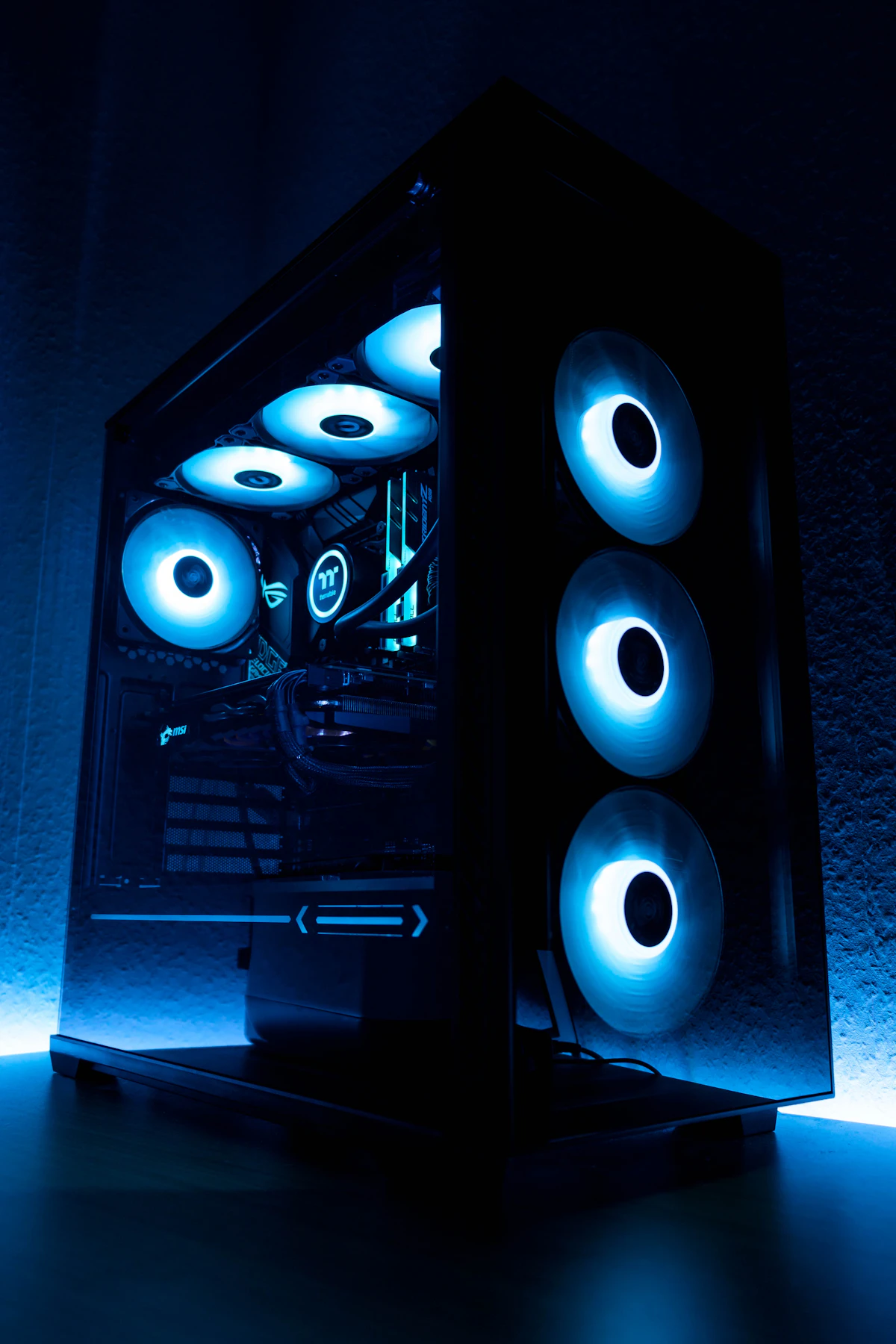
How to Build the Ultimate Custom Gaming PC in Oman: 2026 Parts & Thermal Guide
Planning your dream custom PC build in Muscat? Learn how to choose the right CPU, GPU, 360mm AIO liquid cooling, and airflow cases designed for Oman climate.

iPhone 16 Pro Max vs Samsung Galaxy S25 Ultra in Oman: The Definitive Flagship Showdown
Deciding between iPhone 16 Pro Max and Samsung S25 Ultra in Oman? We compare camera zoom, outdoor screen brightness, battery life, and official OMR prices.